
Import Demo

Spring Special Offer
Get Up to 35% OFF!

Getting Started
How to Install Jeg Kit?
Installing Jeg Kit is Additional widgets for Elementor page builder.
Here are several methods you can use to install the Jeg Elementor plugin.
Add Your Heading Text Here
This is the simplest and most recommended method:
- Go to Your Dashboard: From the admin dashboard, click on the Plugins menu on the left sidebar.
- Add New Plugin: Click the Add New Plugin button at the top of the Plugins page.
- Search for Jeg Kit: In the search bar, type “Jeg Elementor kit” Our plugin should appear in the results.
- Install the Plugin: Click the Install Now button and wait for the installation to finish.
- Activate the Plugin: The button will change to Activate once installed. Click it to redirect to the Jeg Kit Dashboard.
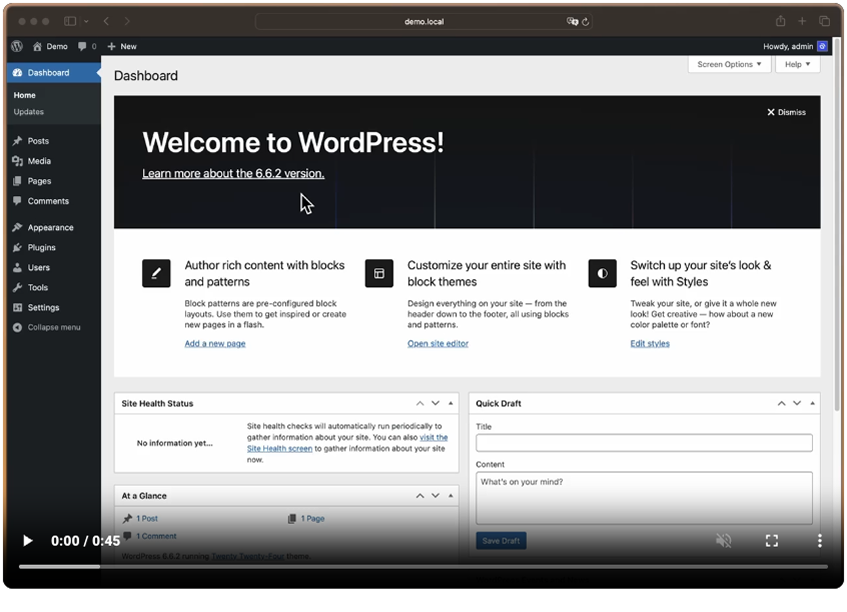
For a visual guide, check out the video below!
Install using a ZIP File
This is the simplest and most recommended method:
- Go to Your Dashboard: From the admin dashboard, click on the Plugins menu on the left sidebar.
- Add New Plugin: Click the Add New button at the top of the Plugins page.
- Upload the ZIP File: Click the Upload Plugin button at the top of the page. Then, click Choose File to select the downloaded ZIP file.
- Install the Plugin: After selecting the file, click the Install Now button and wait for the installation to finish.
- Activate the Plugin: The button will change to Activate once installed. Click it to redirect to the Jeg Kit Dashboard.
For a visual guide, check out the video below!
Your Jeg Kit plugin is now activated and ready to use. Head over to appearance > Editor or Pages, and happy editing!